WhimsyLabs Virtual Lab · The Full Tour

AI Science Tutor & Virtual Lab Features

Stop clicking, start doing. WhimsyLabs isn’t just a simulator , it’s a playground of particles: the only virtual lab that builds true muscle memory while saving teachers hours of marking time.

  • Real physics, not animations
  • Grades the doing, not the typing
  • No student chat window, by design
The features

Pick a Feature, See It for Real

Six things WhimsyLabs does that a slide-show simulator cannot. Every capture below is the actual product, not a mock-up.

AI TutoringVideo demo

WhimsyCat watches how students work, technique, safety, and procedure, and offers guidance based on their actions. There is no student chat window: pupils never type prompts and never receive generated text.

Learn more about ai tutoring

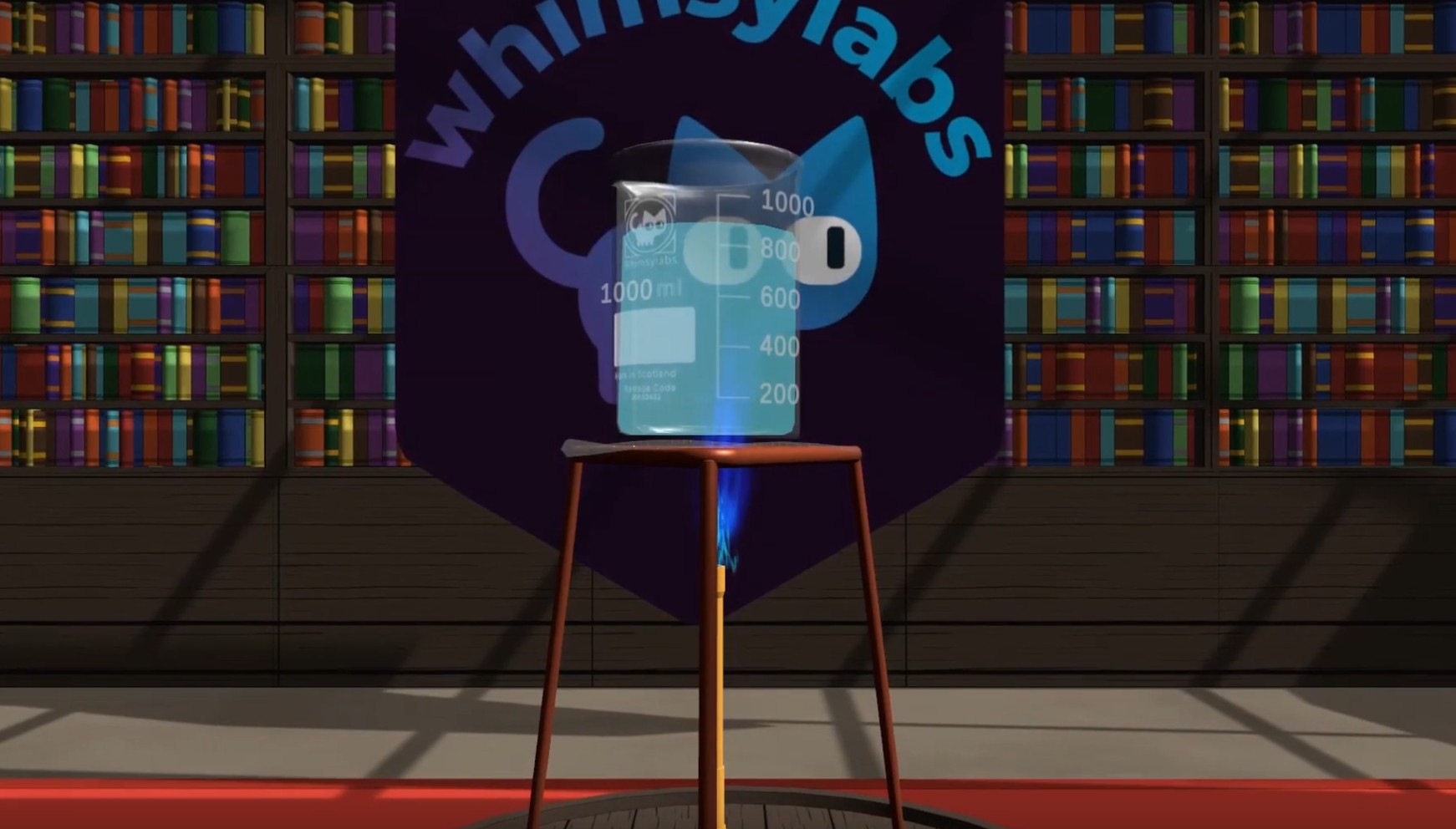
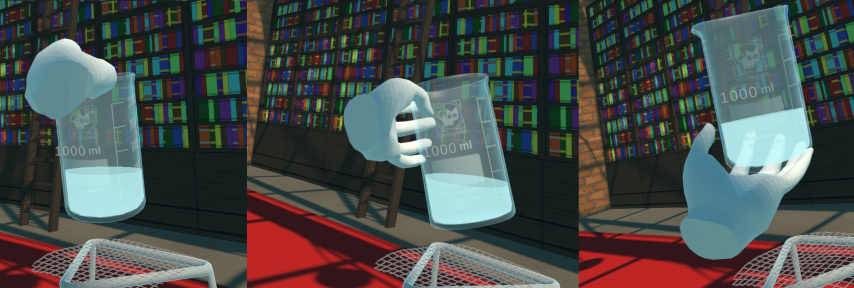
If they drop a beaker, it breaks. If they overheat a compound, it reacts.

Physicality first

Muscle Memory Forged in Simulations, Not Mouse-Driven Animations

Unlike “slide-show” simulators, our engine replicates the chaos and weight of the real world, down to temperature perturbations, impurities, and deviation between samples. Whether pouring titration fluids in VR or adjusting microscope focus on a Chromebook, students must use fine motor skills and procedural accuracy.

This freedom to fail builds resilience and a genuine understanding of laboratory risks, read more about why physicality matters in virtual labs.

Slide-show simulator vs WhimsyLabs
WhimsyLabsSlide-show sims
What runs the experimentA real-time physics engineA pre-drawn animation
When you make a mistakeThe beaker breaksThe button is disabled
The data you collectYours, scatter and allIdentical every run
What gets assessedTechnique, process, safetyThe final multiple choice

Even the sceptics land here, see why the edtech critics are half right about passive learning.

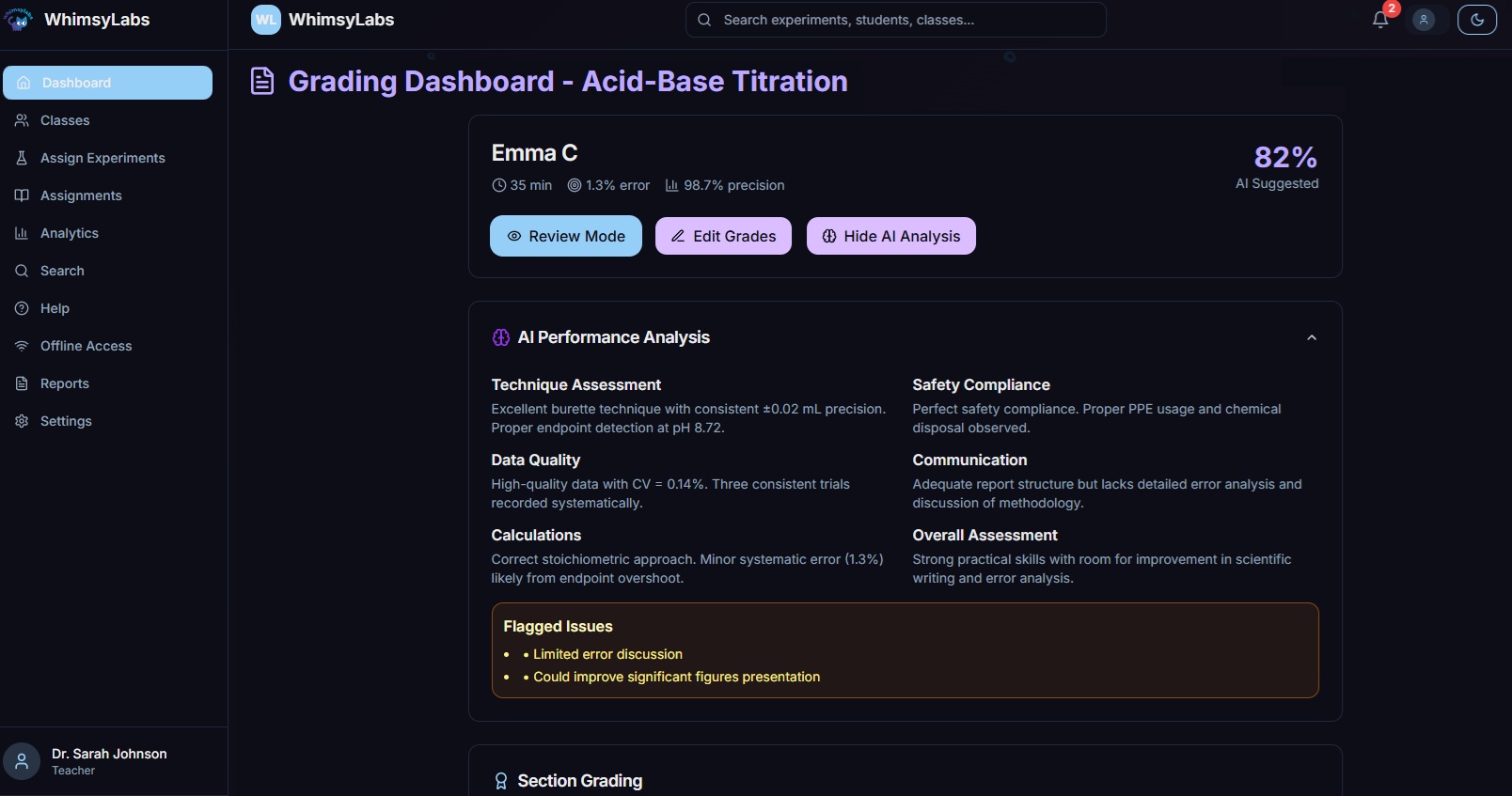
Titration · AI grading breakdownFrom actions, not answers
Experimental Procedure
88
Lab Safety & Cleanup
95
Data Collection & Analysis
85
Scientific Communication
82
Assessment beyond text

How Does WhimsyLabs Make Assessment AI-Proof?

WhimsyLabs grades the process, not just the result. We track physical inputs inside the lab, equipment handling, technique, and reaction times, which generative AI cannot simulate. Follow-up questions are tied to each student’s unique experimental data (“At what pH did your indicator change colour?”), so generic AI answers are no help.

WhimsyCat has no student chat window, it infers everything from actions in the lab, which is how WhimsyLabs meets the DfE’s AI safety expectations by design. For the full story, see how our AI-proof assessment works.

WhimsyCat · grading this visitLive, from your actions
on duty
Curiosity
0
Stirring technique
0
Risk assessment
100
Thoroughness
0

Awaiting your first action…

No chat window, no typing, scored from actions alone, exactly like the real thing. In the real lab, WhimsyCat even notices frustration. Nothing here is recorded or sent anywhere.

3.5hours of marking saved weekly
experiments, no consumables
4sciences in one simulation
24/7on any school device
For teachers

Data That Drives Intervention

Stop ticking boxes and start teaching. WhimsyLabs assesses skill mastery and safety in real time, providing automatic grading of students’ practical capabilities for you to review, with a quick or detailed breakdown per student.

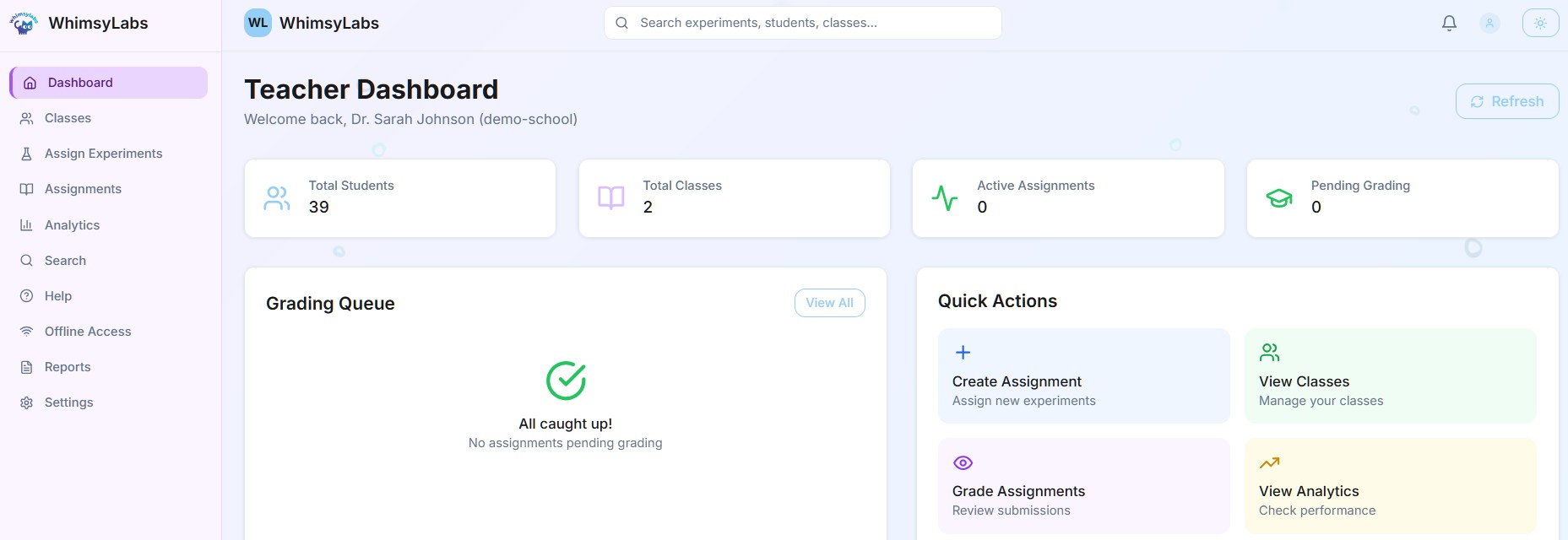
The teacher dashboard is a real-time view of performance, not just grades: instantly identify struggling students for timely intervention, then export reports or integrate with your LMS to track progress from individual students to entire regions. See how the numbers stack up in the assessment crisis, and what solves it.

And because the tutor never clocks off, students can practise around the clock, 24/7 AI tutoring with personalised daily recommendations.

“The automated grading on a curve with a wide range of student outcomes is incredible. It saves me so much time and targets our learning objectives perfectly.”

Secondary school teacher · live demo
WhimsyLabs teacher dashboard showing class overview, grading queue, and quick actions
Built in, not bolted on

Your Lab, Every Student, Real Motivation

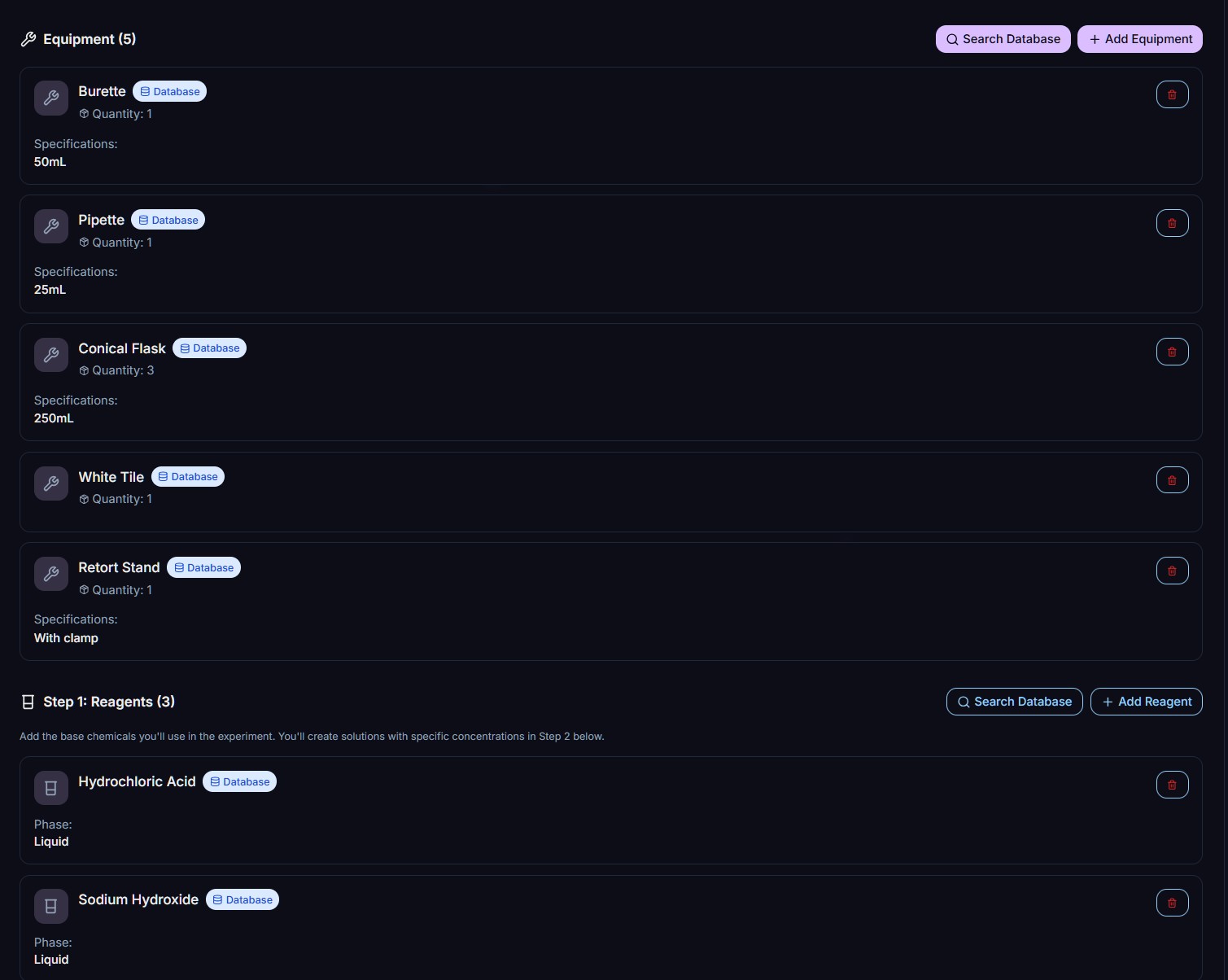
The AI Experiment Builder listing equipment and reagents for a titration practical

Your Lab, Your Rules

Don’t be limited by pre-set scenarios. Students mix any reagent with any equipment to test their own hypotheses, and the AI Experiment Builder lets teachers generate bespoke lab scenarios in minutes to fit any lesson plan.

Teachers are the experts
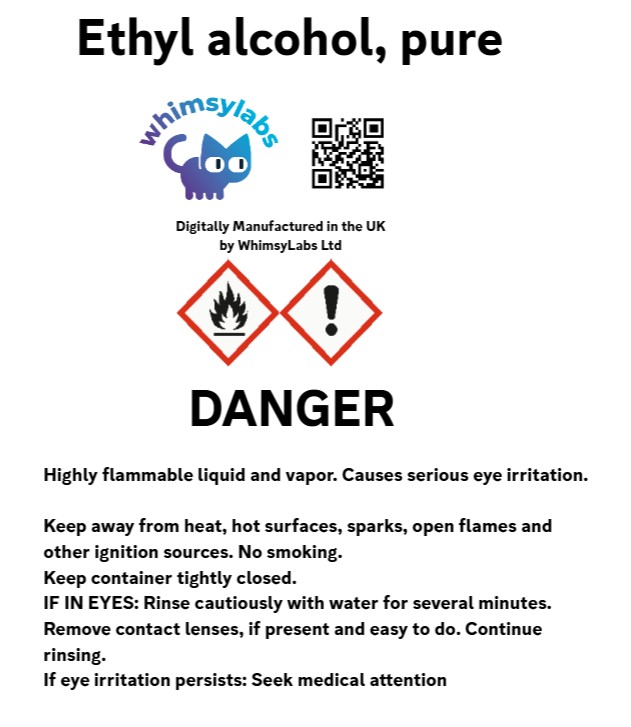
A fully simulated hazard label for pure ethyl alcohol inside the virtual lab

Science for Everyone

Inclusive by default: full control remapping, text-to-speech, and self-paced modes support SEND learners, while low-bandwidth mode keeps lessons running smoothly on unstable school internet connections.

The SEND engagement story
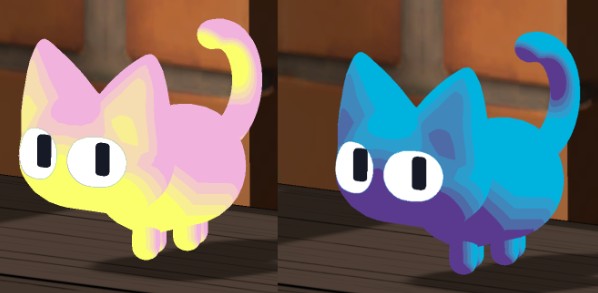
Two collectable WhimsyCat skins earned with Lab Points

Rewarding Mastery

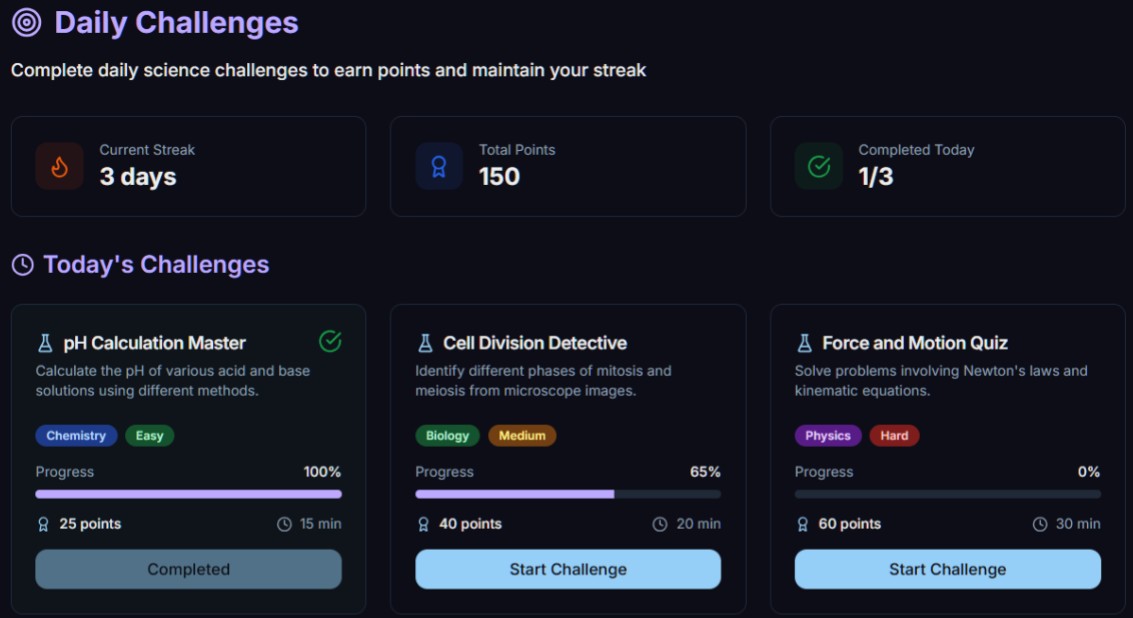
Gamification that drives understanding, not screen time. Students earn free Lab Points for safety and accuracy to customise their virtual workspace, intrinsic motivation without predatory engagement tactics.

How the points work
One simulation

One Fully-Simulated STEM Lab

Biology, chemistry, physics and electronics live in the same simulation, with real interactions between them, heat a solution, wire a sensor, culture a sample, all on one bench. Explore each subject’s lab in depth:

Recognition

Awards & Recognition

BETT 2025 Kids Judge Award, Winner

“Best Science Lab (Start Up)”, judged by the people who matter most: the kids.

TechLearning's #1 Best of BETT 2026

The top pick from TechLearning's coverage of the BETT 2026 show floor.

Converge Challenge Finalist

Among Scotland's most innovative educational technology ventures.

Read next

Choosing a Virtual Lab?

The two guides schools use to compare platforms, what to look for, what to avoid, and how the options stack up in 2026.

Quick questions

The Three Things Schools Ask First

Is there a student chat window?

No, and that is deliberate. WhimsyCat infers everything from a student’s actions in the lab: pupils never type prompts and never receive generated text. There is no conversation to monitor, so safeguarding is built into the architecture rather than bolted on as a filter, which is how WhimsyLabs meets the DfE’s AI safety expectations by design. A distinction that matters more every term, as the 2026 chatbot lawsuits keep demonstrating.

What does it run on?

VR headsets and desktop, Chromebook, Mac, and PC, with a low-bandwidth mode built for unstable school internet connections. One licence, every device. Weighing up hardware? See VR headsets vs Chromebooks: cost per student.

When can my school start?

Now. Pioneer Schools get Summer Term access to the beta AI grading and early modules ahead of the global launch in September 2026, and lock in the introductory BETT rate for the 2026/27 academic year.

Get started

WhimsyLabs Pioneer Program

WhimsyLabs launches globally in September 2026, and Pioneer Schools get early access now. Sign up to receive:

Summer Term betaFull access to Beta AI Grading and Early Modules
BETT-rate licenceThe 2026/27 Academic Year licence at our introductory rate
Direct dev accessRequest specific apparatus for the September launch

Have questions? Visit the FAQ for answers, or explore our Services to see how WhimsyLabs fits your school.