Put WhimsyLabs Through the Checklist
Bring your science team, run the practicals you know best, and see how the results compare.
Book a Demo
The right virtual lab depends on what you want students to learn. If the goal is genuine practical skill, the two questions that separate platforms are: does the software simulate real physics or play scripted animations, and does it assess the process students follow or just their final answers? This guide gives you a working checklist, the questions to put to vendors, and an honest look at where WhimsyLabs fits.
Look first at simulation depth, assessment method, accessibility, data protection, and total cost — in that order. Curriculum coverage and polish matter, but they can’t compensate for a platform where students click through predetermined steps without ever practising a technique.
The pressure is real. The Royal Society’s Science Education Tracker 2023 found that the share of GCSE pupils doing practical work at least fortnightly fell from 44% in 2016 to 26% in 2023, and EngineeringUK’s 2024 research reports that 27% of UK science teachers say their schools cannot afford the equipment needed for practical lessons. Virtual labs can close that gap — but only if the one you pick builds skills rather than replaying content.
Ask what happens when a student does the experiment wrong. That single question sorts the market into its main categories:
Research supports the deeper approach: Finkelstein et al. (2010) found physics-based simulations significantly improve conceptual understanding compared with simplified animations, and Kapur (2015) reported that productive-failure approaches can roughly double the effect of direct instruction alone. If a vendor cannot explain their physics engine, assume there isn’t one.
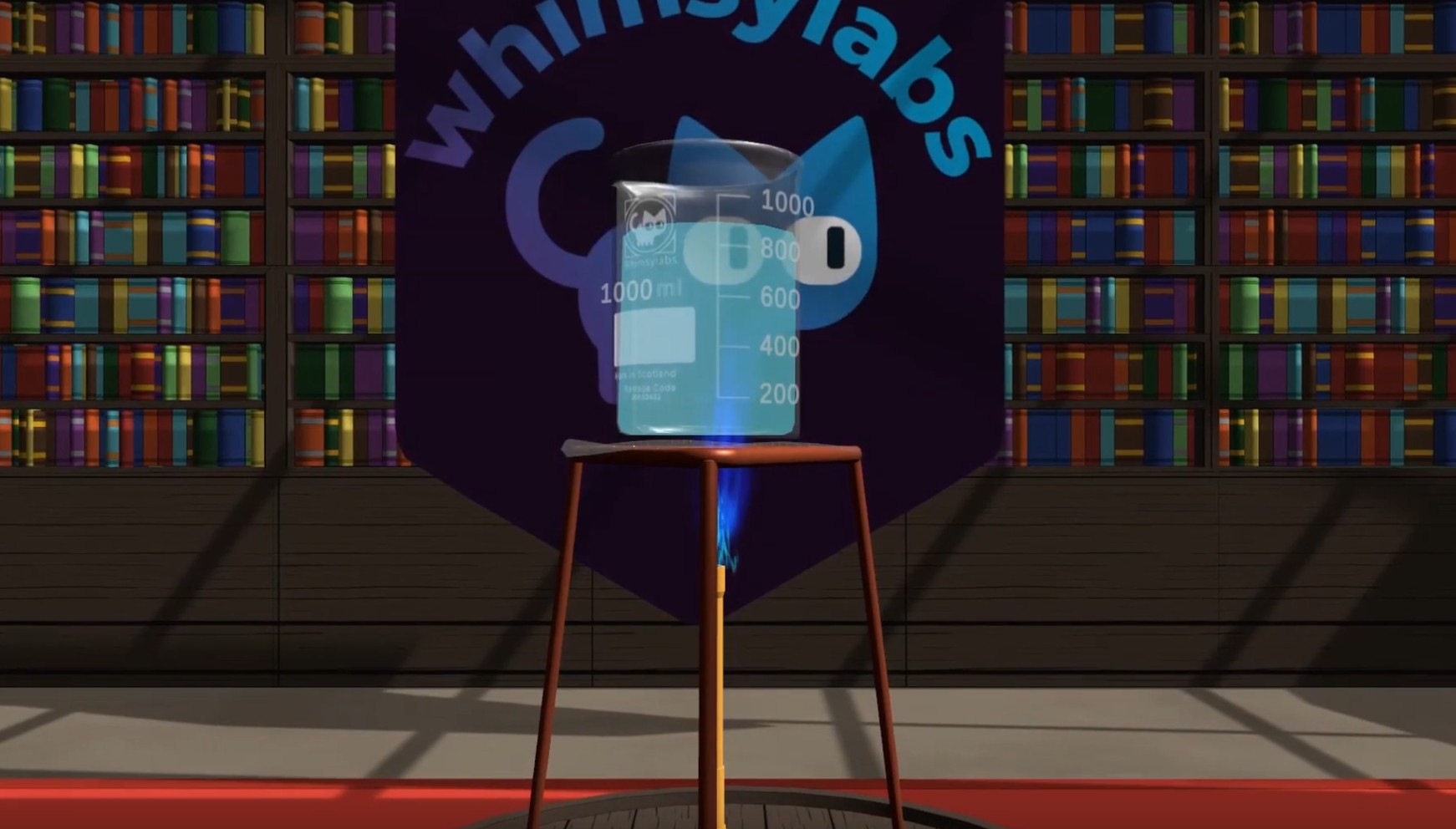
It should assess what students do, not parse what they write. AI systems that grade written answers must interpret ambiguous language, and they make mistakes doing it. Assessment built on physical actions has nothing to misinterpret: the student either pipetted 2.5 mL or they didn’t, either rinsed the burette or skipped it.
Process-based assessment also resists AI-assisted shortcuts. When follow-up questions are tied to a student’s own experimental data — “why does your graph show an unexpected peak?” — a chatbot can’t answer, because it doesn’t know that the student forgot to rinse the burette three steps earlier.
Finally, check the AI safety design. Does the tutor expose a free-text chat window to pupils, or does it work purely from their actions in the lab? A tutor with no student chat surface can’t deliver generated text to children or be prompt-injected by them — a much easier system to safeguard.
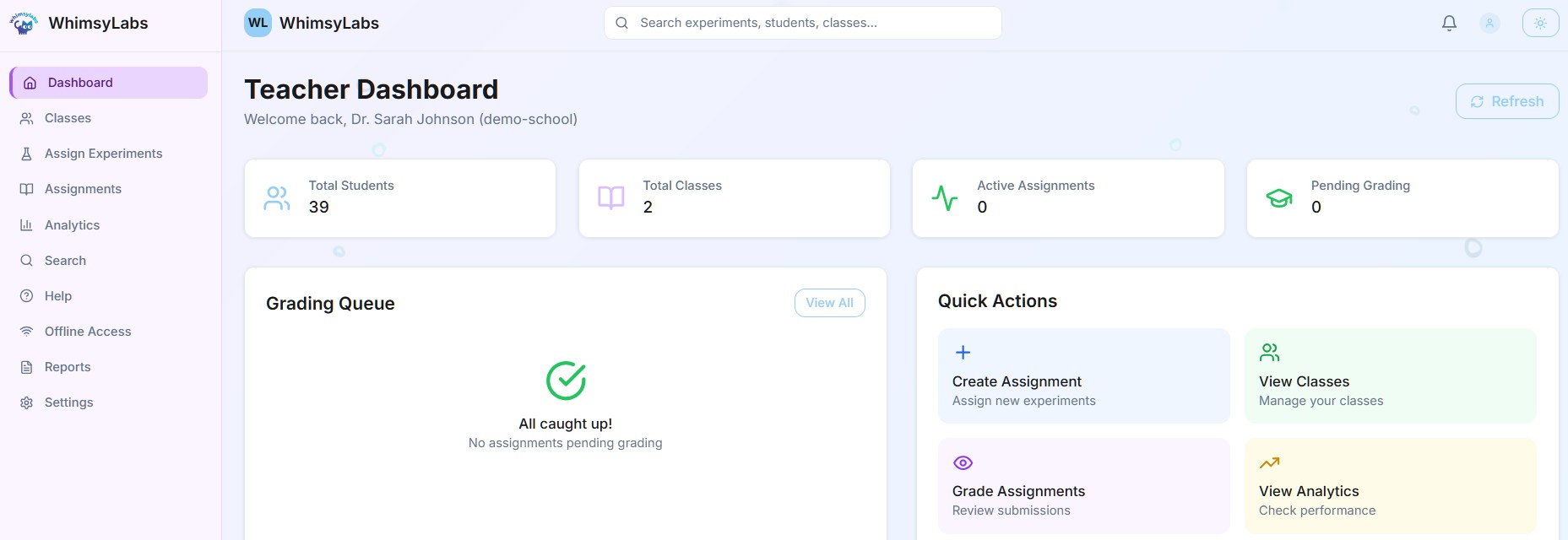
Put every shortlisted platform through these twelve criteria. A trial with your own teachers and students will reveal more than any demo.
Pricing models vary — per-student, per-seat, or site licences — so compare total cost of ownership, not headline price. Factor in training, integration, any required hardware, and what happens to your data if you don’t renew.
For context on the physical side: CLEAPSS (2024) puts a traditional school chemistry lab setup at £25,000–£70,000 initially, with £5,000–£15,000 a year in consumables, maintenance, and compliance. Virtual labs don’t replace physical labs, but they let students repeat experiments without consuming materials — which is where the budget case usually lands.
If cost is the blocker, funding routes exist. UK schools have used programmes such as Royal Society Partnership Grants to fund virtual lab subscriptions — see our guide to grants and funding for what’s available and how to apply.
Ask where student data is stored, whether it is encrypted, whether it trains AI models, and how deletion works when you leave. EdTech platforms hold sensitive information about children, and high-profile breaches have made scrutiny here non-negotiable. Request the vendor’s data processing agreement up front — if they don’t have one ready, walk away.
You can see how WhimsyLabs answers these questions on our data security page: student data is never used to train AI models, and the platform is built for GDPR compliance.
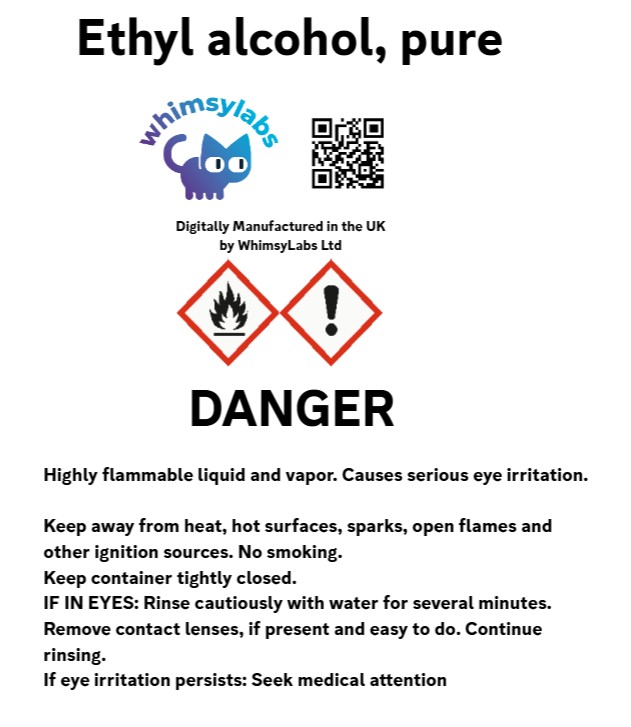
WhimsyLabs is one option in the physics-engine sandbox category, and we built it around the criteria above: a real-time physics engine with emergent, noisy data; process-based assessment of technique and safety; an AI tutor (WhimsyCat) with no student chat window; SEND accessibility features and a low-bandwidth mode; and delivery on Chromebooks, desktops, and VR headsets alike.
We won’t claim it’s the right choice for every school. If you mainly need short concept demonstrations, a lighter guided-simulation tool may serve you fine. If you want students to build practical technique and to assess how they work, we think WhimsyLabs compares well — and the fair test is to run your own experiments on a trial and judge the results.
This page summarises our longer guides. For the full detail:
Bring your science team, run the practicals you know best, and see how the results compare.
Book a Demo